
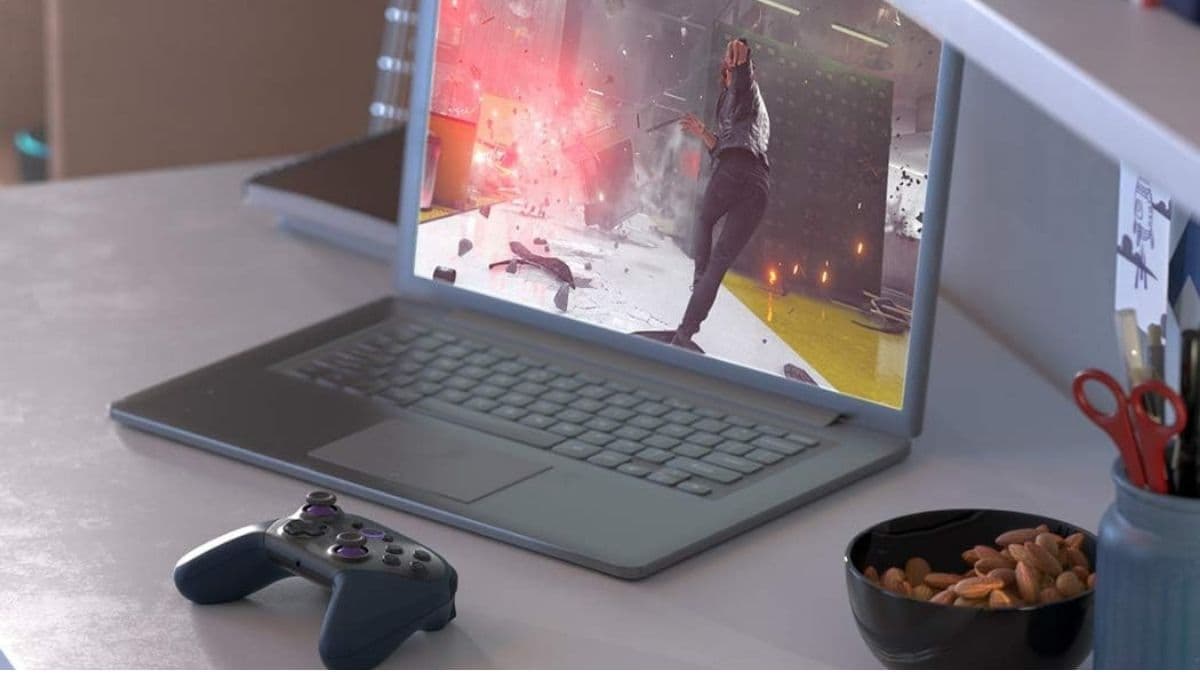
Curious about Amazon Luna? Discover how this cloud gaming platform works in 2025—covering device support, subscription channels, performance, pros and cons, and what’s new this year. Perfect for casual and cross-device gamers.
Want to play high-quality games without a console or PC? That’s the promise of Amazon Luna — a cloud gaming service that’s quietly become a serious contender in 2025.
If you’ve heard the buzz or spotted it in your Prime perks but weren’t sure what it actually does (or if it’s any good), you’re in the right place.
Whether you’re a casual gamer, a parent searching for kid-friendly titles, or just curious about the future of gaming—this guide has you covered. We’ll break down everything about Amazon Luna: the features, the flaws, and what’s new in 2025
So, What Is Amazon Luna Anyway?
Amazon Luna is a cloud-based gaming platform, meaning you stream games over the internet instead of installing them. It runs on Amazon’s powerful AWS servers and beams your gameplay straight to your screen — no fancy graphics card or next-gen console required.
Launched in 2020, Luna has come a long way. It’s now part of the growing trend of game streaming, right alongside Xbox Cloud Gaming and NVIDIA GeForce Now. And with cloud gaming subscriptions up 47% in the last year, services like Luna are more relevant than ever.
How Does It Work?
Picture Netflix, but for games. When you pick a title on Luna, you’re not downloading anything — Amazon’s servers are doing the heavy lifting. Your screen shows the video feed, and your controller sends input back to the cloud.
Here’s what you’ll need:
- A stable internet connection: 10 Mbps minimum, but 20 Mbps+ is ideal
- No expensive gear: Just a compatible device and a controller
- Adaptive streaming: Luna adjusts quality automatically to avoid stuttering or lag
Most games run at 1080p and 60fps, but more are being upgraded to 4K. And Amazon’s low-latency tech means your button presses stay responsive, even with all that data flying through the cloud.
What Devices Work With Luna?
One of Luna’s biggest perks is just how many devices it works with. You probably already own something compatible:
- Amazon Fire TV (like the Fire Stick 4K or Fire TV Cube)
- PC & Mac via web browsers
- iPhones and iPads through Safari
- Android phones/tablets via the Luna app
- Chromebooks and ChromeOS devices
- Smart TVs, including newer Samsung and LG models
And if you’re into livestreaming, Twitch integration is built right in. Going live takes just a click.
What About Controllers?
Luna offers its own controller — and it’s smarter than you think.
- Luna Controller ($69.99): Uses “Cloud Direct” tech to connect straight to Amazon servers via Wi-Fi, cutting down on lag
- Battery life: About 14 hours on a charge
- Bonus: Doubles as a regular Bluetooth controller for other platforms
Don’t want to buy another controller? No problem:
- Use your Xbox, PlayStation, or other Bluetooth controllers
- Use touch controls for certain games on mobile
You can also control Luna with Alexa voice commands, which feels a little futuristic.
Subscription Options and Game Channels
Instead of one giant library, Luna uses a channel-based model — kind of like cable packages. Here’s what’s on offer:
- Luna+ ($9.99/month): 100+ rotating games from indies to big names
- Ubisoft+ ($17.99/month): Access to major Ubisoft hits — Assassin’s Creed, Far Cry, etc.
- Family Channel ($5.99/month): Kid-safe games for younger players
- Retro Channel ($6.99/month): Classic games from Atari, SEGA, and more
Amazon Prime members also get free games each month and occasional trial access to premium channels. If you’re already a Prime subscriber, Luna becomes even more appealing.
Game Library: What Can You Play?
Luna’s catalog may not rival Steam or Game Pass, but it’s growing — and surprisingly diverse.
- Luna+: Core titles rotate monthly, with genres from RPGs to racing
- Ubisoft+: Full AAA library, including day-one access to new releases
- Family & Retro Channels: Focused, easy-to-navigate game selections
- Luna Originals: A few exclusives built specifically for cloud gaming
- Early Access Games: Try new titles before general release
If you’re not after the very latest blockbuster every week, Luna delivers a solid variety.
Tech Specs and Performance
Let’s talk about internet requirements. Luna’s streaming quality scales to your bandwidth, and here’s the breakdown:
- 720p: Needs 10 Mbps
- 1080p/60fps: Recommended 20 Mbps+
- 4K: Ideal with 35 Mbps or higher
For the smoothest experience, use wired Ethernet or 5GHz Wi-Fi. Expect about 10GB per hour at 1080p, so data caps may be a concern for some users.
Still, Luna’s adaptive bitrate tech helps balance quality and speed, prioritizing a stable experience over flashy visuals when needed.
Features That Make Luna Stand Out
Here’s what Amazon’s added to make Luna feel more connected and fun:
- Luna Couch: Invite friends to play co-op — they don’t even need a subscription
- Twitch streaming: Go live instantly with built-in support
- Cross-progression: Save files sync with PC versions (where supported)
- Voice chat: Built into the Luna interface
- Game recommendations: AI suggests games based on your play habits
- Alexa integration: Launch games or browse with voice commands
It’s clear Amazon wants Luna to feel like part of a larger ecosystem — not just another streaming service.
How Does It Stack Up Against the Competition?
Let’s put Luna next to some big names:
vs. Xbox Cloud Gaming (Game Pass Ultimate):
- Xbox wins with exclusive titles and first-party blockbusters
- Luna offers more flexibility with à la carte channels
vs. NVIDIA GeForce Now:
- GeForce offers better raw performance, but you have to own the games
- Luna is more plug-and-play with its subscription model
vs. PlayStation Plus Premium:
- Sony’s exclusives shine, but device support is limited
- Luna wins for multi-platform access and convenience
What’s New in 2025?
Amazon has made some real strides this year:
- More titles now support 4K streaming
- Expanded mobile touch controls for easier on-the-go gaming
- Even lower input latency thanks to improved backend tech
- New premium channels focused on specific genres
- Social features to connect and play with friends
- Smart device integration — think Echo Show or Fire tablets
It’s not just adding games — Luna’s getting smarter and more seamless.
Pros and Cons of Using Luna
Here’s the quick take:
Pros:
- No console or gaming PC required
- Affordable subscriptions with mix-and-match options
- Works on almost every screen you own
- Smooth integration with Prime, Twitch, Alexa
- Cloud saves and controller support included
- Luna Controller is genuinely well-designed
Cons:
- Needs fast, stable internet — not ideal for spotty connections
- Game library smaller than Xbox or PlayStation
- Some games rotate out with limited notice
- 4K only available on select titles (and requires lots of bandwidth)
- Multiple channels = higher monthly cost if you subscribe to all
Where Cloud Gaming Is Headed — And Why Luna Matters
Cloud gaming isn’t a fad — it’s a shift. Luna may not be the loudest name in the space, but Amazon’s slow-burn approach is paying off. It’s building something that’s flexible, functional, and deeply integrated into the tools many of us already use.
Whether you treat it as your main gaming setup or a secondary service for casual play, Luna deserves a spot on your radar.
And yes — it’s available on Amazon.