
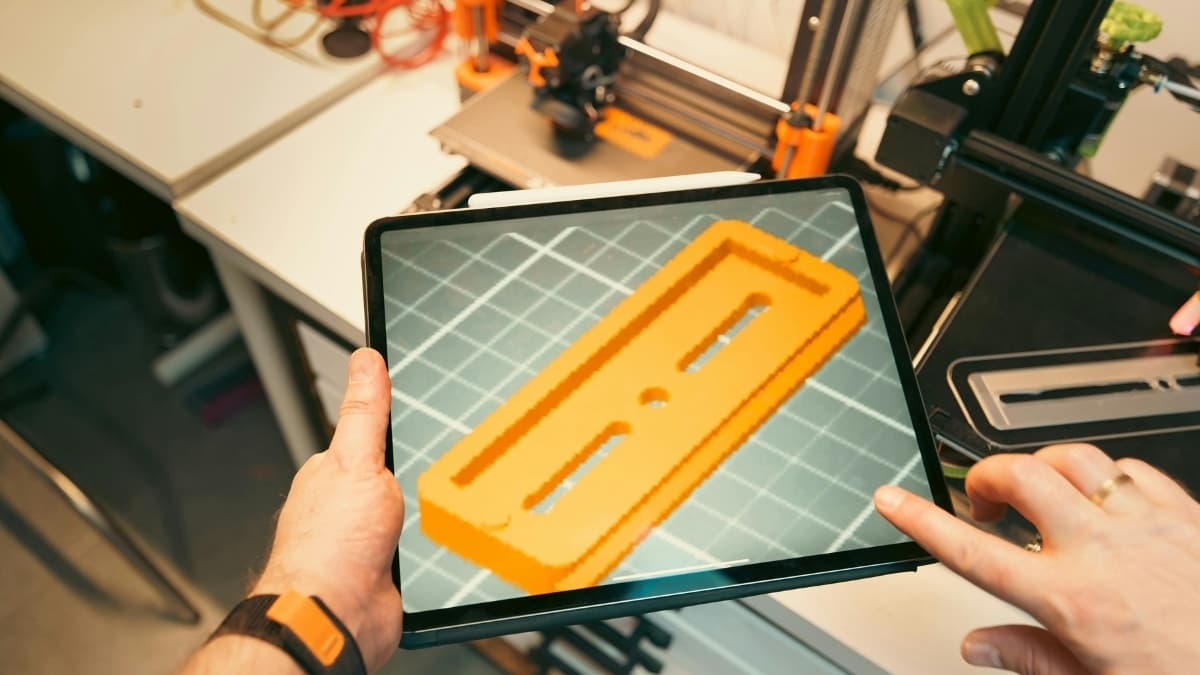
Bambu Studio is a powerful free 3D printing slicer built for Bambu Lab printers, offering fast slicing, multi-color support, and smart workflow tools.
Start with a push of a button and watch your 3D print begin. That’s the joy of using Bambu Studio as your slicer software. This tool transforms your 3D design file into print instructions in a smart way.
It works with popular Bambu Lab printers and many other machines too. The software is free, it runs on Windows, macOS, and Linux, and it brings advanced options without overwhelm.
You get adaptive slicing, color tools, and remote controls that help you print with confidence right from your desk or phone. Here’s a clear look at what it offers and how it performs.
Key Features of Bambu Studio
Free and Open Source
Bambu Studio costs nothing to use. The software is open source and does everything from basic slicing to advanced print prep. It doesn’t hold core features behind paywalls like some slicers.
Project-Based Workflow
The interface lets you organize multiple parts and projects in one place. You can switch between views and manage each component easily before slicing.
Multi-Color and Multi-Material Support
This slicer handles complex jobs that use more than one material or color. It pairs well with systems like Bambu Lab’s Automatic Material System (AMS).
Optimized Slicing Algorithms
Bambu Studio builds fast toolpaths that help maintain good surface quality and stable prints. It also adjusts layer thickness based on model geometry.
Remote Monitoring and Control
You can send jobs to your printer over a network and watch progress in real time. This means you don’t have to stay in front of the machine to check prints.
How It Works in Practice
Getting Started Is Simple
After installation, pick your printer model from the list. Bambu Studio includes presets for common Bambu Lab printers like the X1 and P1 families. It also supports popular formats like STL, OBJ, and 3MF.
Adjusting Print Settings
You can control support structures, infill density, speeds, and temperatures from the main panel. The software shows a preview of each sliced layer so you can check for issues before printing.
Monitor and Change Mid-Print
If you spot a problem while printing, you can adjust settings on the fly. Cloud features and mobile app support let you check prints from your phone or tablet.
Real User Insights
Across community forums, many makers praise Bambu Studio’s speed and depth. For beginners, presets make starting easier. Intermediate users like the way detailed print settings help fine-tune results.
More advanced projects benefit from the multi-plate and assembly views that keep everything organized. Expert users note that powerful options are available without slowing down workflow.
Tools and Resources
There are tutorials on YouTube and detailed setup guides on the Bambu Lab wiki to help you master the slicer. You can find step-by-step walkthroughs covering installation, printer binding, and print profiling.
How Bambu Studio Compares to Other Slicers
If you’ve used Cura or PrusaSlicer, you’ll notice differences here:
| Feature | Bambu Studio | Cura | PrusaSlicer |
|---|---|---|---|
| Multi-material tools | Strong | Basic | Moderate |
| Project layout | Built-in | Limited | Moderate |
| Remote monitoring | Yes | Via plugins | Via plugins |
| Optimized for Bambu Lab | Yes | No | No |
Bambu Studio stands out for speed and deep integration with the Bambu ecosystem. Some users prefer Cura for simple prints or PrusaSlicer for wide printer compatibility.
Pros and Limitations
Pros
- Powerful features at no cost.
- Great for multi-material and color printing.
- Advanced options for managing complex projects.
- Works with remote printing and mobile monitoring.
Limitations
- Best performance is with Bambu Lab printers. Other brands may work but with fewer tailored settings.
- New users may need time to explore all tools and settings. Some menus have many options.
Pricing and Hardware Notes
The software itself is free. You won’t pay subscription fees or license costs. Some advanced print features are unlocked with specific Bambu Lab hardware, especially for multi-material prints.
Printer models from Bambu Lab range in price, and pairing the slicer with a high-speed machine gives the best results.
Conclusion
Bambu Studio makes the jump from 3D design to print seamless and smart. It fills the gap between simple slicers and complex professional tools. The workflow, remote tools, and detailed controls are useful for many skill levels.
If you want a slicer that grows with your skills from basic prints to detailed multi-material jobs, this software delivers a strong mix of features and ease of use. Try it with your next project and see how it improves your workflow.