
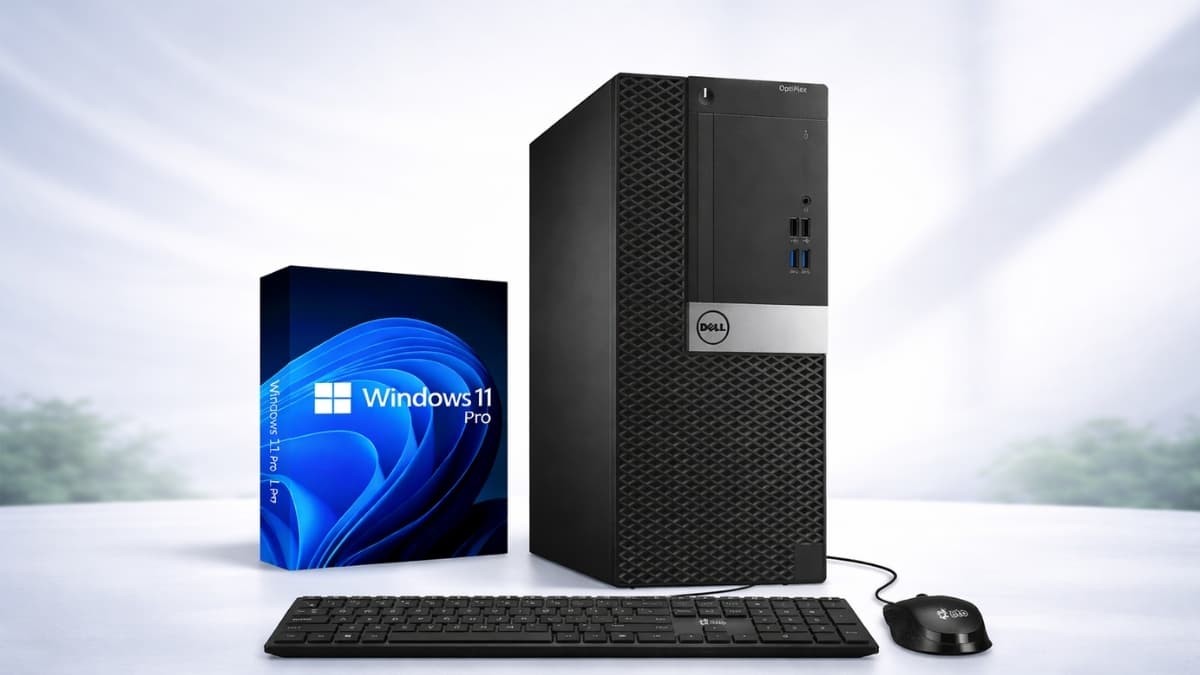
Dell Tower Desktop PCs: Performance Tiers and Pricing Guide breaks down specs, real pricing, and top models to help you choose the best Dell desktop fast.
Desktops are far from outdated. In fact, tower PCs continue to power home offices, creative studios, and gaming setups across the country.
If you are comparing specs and prices, Dell Tower Desktop PCs: Performance Tiers and Pricing Guide gives you a clear breakdown of what you actually get at each level.
Dell remains one of the largest PC manufacturers in the world. According to IDC’s worldwide PC market reports, Dell consistently ranks among the top global PC vendors, serving both business and consumer markets. That scale translates into wide configuration options and competitive pricing.
You might be choosing between a Dell XPS Tower, a Dell Inspiron desktop, or a newer Dell Tower Plus configuration. Each tier targets a different type of user, from casual home use to demanding creative workloads.
Dell Tower Desktop PCs: Performance Tiers and Pricing Guide Overview
When you look at Dell desktop computer pricing, three main tower families stand out:
- Dell Inspiron Tower – Budget to mid-range home and small business use
- Dell XPS Tower Desktop – Premium consumer and creative performance
- Dell Tower / Tower Plus – Newer performance-focused models with high-end specs
From hands-on experience reviewing and setting up multiple Dell towers for office deployments, the biggest difference comes down to processor class, RAM ceiling, and graphics flexibility.
Many buyers overspend on CPU power while underestimating RAM and storage needs.
If your workload includes 4K video editing, CAD software, or heavy multitasking, you will need more than an entry-level Inspiron.
On the other hand, email, web browsing, QuickBooks, and Microsoft 365 run smoothly on mid-tier systems.
Dell XPS Tower Desktop: Premium Performance Tier
If you want top-tier power, the Dell XPS Tower Desktop is the flagship option. Current Amazon US listings show:
- Dell XPS Tower with Intel Core i7-13700, 16GB RAM, 512GB SSD – typically around $999 to $1,149
- Dell XPS Tower with Intel Core i9-14900K, 32GB–64GB RAM, 1TB–2TB SSD – often $2,199 to $2,799, depending on GPU
These systems use 13th and 14th Gen Intel Core processors. The i9-14900K is a high-performance chip designed for demanding workloads like video production and 3D rendering.
Memory and Storage
You can configure:
- 16GB to 64GB DDR5 RAM
- 512GB to 2TB NVMe SSD
- Optional secondary storage in some builds
From a real-world perspective, 16GB handles most business tasks. For Adobe Premiere Pro, large Photoshop files, or virtual machines, 32GB or more makes a noticeable difference.
Graphics Options
Some XPS towers include integrated Intel UHD graphics. Others offer dedicated GPUs such as the NVIDIA GeForce RTX 3050.
If you are researching the best Dell desktop for gaming, pay close attention to the GPU. The RTX 3050 handles 1080p gaming comfortably, though it is not positioned as a top-tier esports card.
Dell Tower and Tower Plus: Modern High-Performance Desktops
Dell’s newer Tower and Tower Plus systems often feature Intel Core Ultra 7 processors, designed for improved efficiency and AI-related workloads.
On Amazon, common configurations include:
- Core Ultra 7, 32GB DDR5 RAM, 1TB SSD, Windows 11 Home – around $1,499 to $1,699
- Higher-end Tower Plus builds with expanded RAM and storage – $2,000 to $3,300+
These systems typically ship with:
- 32GB DDR5 RAM standard
- 1TB NVMe SSD
- Wi-Fi 6
- Multiple USB-A and USB-C ports
- HDMI and Ethernet connectivity
If you compare a Dell XPS Tower vs Inspiron desktop, the Tower Plus often lands closer to XPS performance but in a slightly different chassis and configuration strategy.
From deployment experience in business environments, these systems boot quickly, handle heavy multitasking well, and maintain stable thermals under extended loads.
Dell Inspiron Tower: Affordable Everyday Computing
The Dell Inspiron desktop line focuses on accessibility and value.
Common Amazon US pricing:
- Inspiron Tower with Intel Core i3, 8GB RAM, 256GB SSD – around $499 to $599
- Inspiron Tower with Core i5, 16GB RAM, 512GB SSD – typically $649 to $899
- Select Core i7 configurations – near $999
These desktops work well for:
- Office applications
- Web browsing
- Streaming
- Light photo editing
- Small business tasks
For home users searching “Dell desktop computer pricing,” the Inspiron often provides the lowest entry cost. However, heavy video editing or high-end gaming will push this system beyond its comfort zone.
Real-World Performance: What You Actually Notice
Specs look great on paper, though daily use tells the full story.
In business case studies involving office upgrades from 8GB HDD-based desktops to 16GB SSD-based Dell towers, boot times dropped significantly and application loading felt nearly instant.
Moving from SATA drives to NVMe SSDs made the biggest difference.
According to Intel’s performance guidance for 13th and 14th Gen Core processors, hybrid core designs improve multitasking efficiency.
In practical terms, you can run Zoom, Chrome with multiple tabs, Excel, and background updates without slowdowns on i7 and above systems.
For creative professionals, RAM and GPU matter more than raw clock speed once you reach upper-mid-tier CPUs.
Comparing the Tiers at a Glance
Here’s a simplified breakdown:
Dell Inspiron Tower
- CPU: Intel Core i3–i7
- RAM: 8GB–16GB
- Storage: 256GB–1TB
- Price: ~$500–$1,000
- Best for: Home users, small offices
Dell XPS Tower Desktop
- CPU: Intel Core i7–i9
- RAM: 16GB–64GB
- Storage: 512GB–2TB NVMe
- Price: ~$999–$2,799+
- Best for: Creators, advanced users
Dell Tower Plus
- CPU: Intel Core Ultra 7
- RAM: 32GB+
- Storage: 1TB+
- Price: ~$1,499–$3,300+
- Best for: High-performance multitasking and professional workloads
If you are comparing the Dell XPS Tower Desktop price against Tower Plus, focus on GPU inclusion and RAM capacity.
Addressing Common Buyer Concerns
“Is a tower still worth it?”
Yes, if you need upgrade flexibility. Towers allow:
- RAM upgrades
- Storage expansion
- GPU replacements
Laptops limit those options.
“Are Dell towers good for gaming?”
Mid-range gaming works well with systems that include a discrete GPU. For serious gaming, confirm the graphics card model before buying.
“Do you need 32GB RAM?”
For web and office tasks, no. For creative workloads or data-heavy software, 32GB offers smoother performance.
From an IT consulting perspective, most office users operate comfortably on 16GB. Creative teams benefit from 32GB and higher.
Limitations to Keep in Mind
No system fits every use case.
- Entry-level Inspiron models may struggle with demanding creative tools.
- High-end XPS configurations can become expensive quickly.
- Tower Plus systems may exceed your needs if your workload is basic.
It is smart to match your purchase to your daily tasks rather than buying the highest specs available.
Conclusion
You now have a clear view of how Dell structures its tower desktop lineup. Inspiron covers everyday computing. XPS targets performance-focused users. Tower Plus steps further into high-performance territory with modern architecture and generous RAM.
Focus on processor class, RAM capacity, storage type, and GPU before checking out. That approach keeps you aligned with your actual workload and budget.
If a specific configuration stands out, explore the latest pricing and availability on Amazon. You will often find seasonal discounts and bundled deals.
Take a closer look at the model that fits your needs and compare options carefully. There are plenty of configurations to explore, so spend a few minutes reviewing specs before making a final choice.