
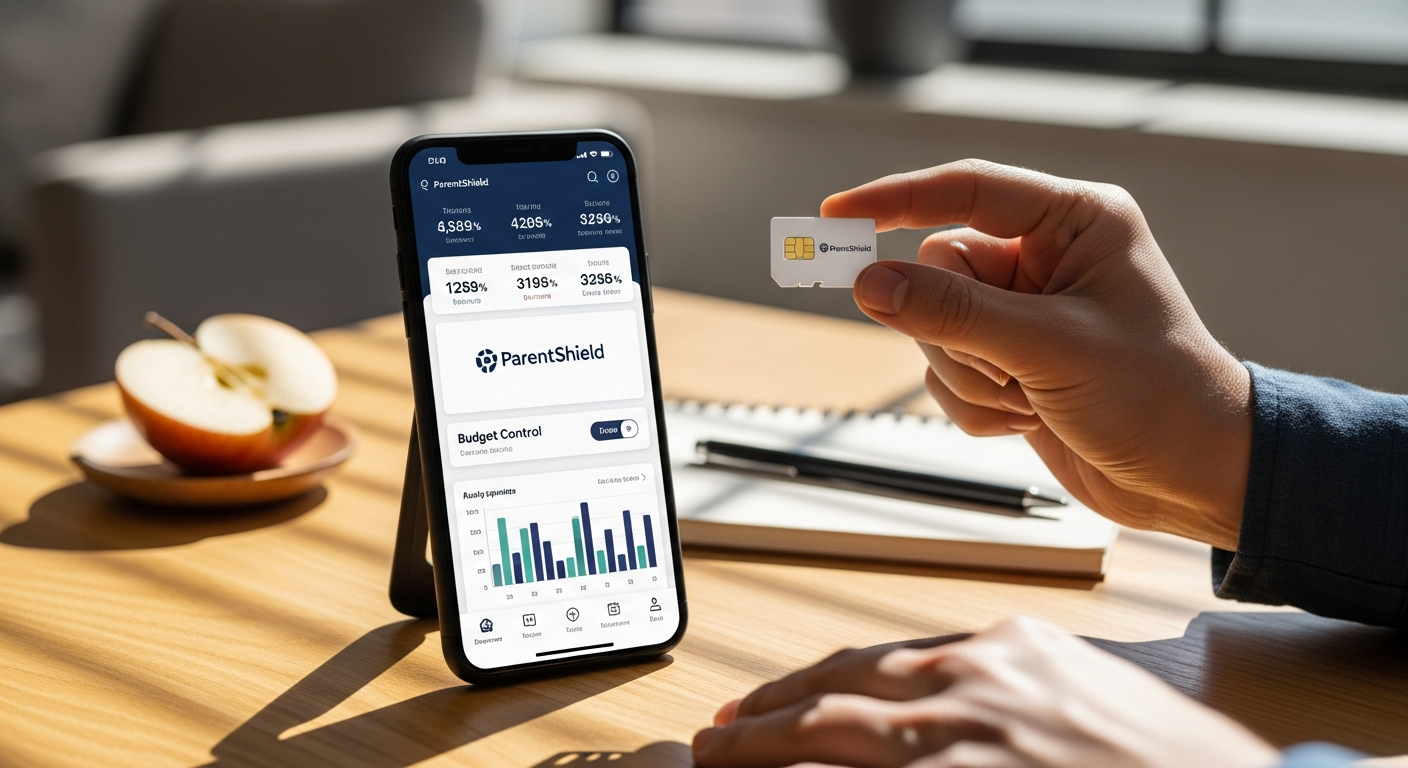
Worried about kids overspending on mobile data? ParentShield SIM uses network-level controls, data budgeting, and built-in safeguards designed to prevent bill shock and improve digital safety.
Managing a child’s phone use is no longer just about screen time. Unexpected charges, unrestricted access, and bypassed parental controls create real concerns for families.
ParentShield Child-Safe Mobile Network SIM takes a different approach by building controls directly into the network instead of relying on apps.
This shift changes how control works. Instead of reacting to problems, it prevents them from happening.
Why Network-Level Control Is More Effective
Most parental controls rely on apps installed on a device. These can be removed, disabled, or bypassed.
ParentShield works differently:
- Controls exist at the network level, not the device
- Cannot be deleted or turned off by the user
- Works across any unlocked phone
- No software setup or maintenance required
This creates a more reliable system that does not depend on the child’s device behavior.
How Data Budgeting Prevents Overspending
Unexpected charges usually come from uncontrolled data usage. ParentShield addresses this with daily limits.
Key budgeting features:
- Set a fixed daily data allowance
- Automatic cut-off once the limit is reached
- No overage charges or hidden fees
- Clear visibility of usage patterns
This removes the risk of bill shock entirely. Spending stays within limits by design.
How It Supports Responsible Usage
The system does more than limit spending. It helps children understand how usage affects access.
What this teaches:
- Awareness of data consumption
- Self-regulation through daily limits
- Consequences without financial penalties
- Gradual learning of digital responsibility
This makes it both a control tool and a learning tool.
Communication Monitoring and Safety Features
ParentShield also focuses on communication safety. Parents can stay informed without relying on device access.
Core monitoring tools:
- View call and SMS activity through a secure portal
- Access messages even if deleted from the phone
- Word alerts for flagged or concerning terms
- Option to block multimedia messages (MMS)
These features provide visibility without requiring constant manual checks.
Time-Based Controls for Daily Routines
Usage can be adjusted based on time of day. This helps manage school and sleep schedules.
Key controls:
- School-time restrictions for non-essential use
- Bedtime limits with emergency-only access
- Custom schedules based on family needs
- Automatic enforcement without reminders
This reduces daily conflicts over phone usage.
Internet Access Management Options
Parents can control how and when internet access is available. This adds another layer of flexibility.
Available options:
- Full internet access control
- Selective filtering based on usage
- Ability to disable data during specific times
- Adjust settings as the child’s needs change
This allows gradual independence while maintaining safety.
What to Consider Before Switching
ParentShield offers strong control, but it may not suit every situation.
Important considerations:
- Requires an unlocked phone
- Focuses on control rather than unrestricted access
- Limited flexibility for older teens seeking full independence
- Setup depends on choosing the right plan for usage needs
Understanding these points helps determine if it fits your family setup.
A Practical Take on Digital Safety and Spending
ParentShield SIM focuses on prevention rather than correction. It removes the possibility of overspending while giving parents clear visibility into usage and communication.
It may not replace all parental guidance, but it simplifies control in a way that apps cannot. The network-level system ensures that limits are consistent and reliable.
For families looking to reduce unexpected charges and create a safer digital environment, this approach is worth trying. It offers a more structured way to manage both spending and screen use without constant monitoring or technical workarounds.